

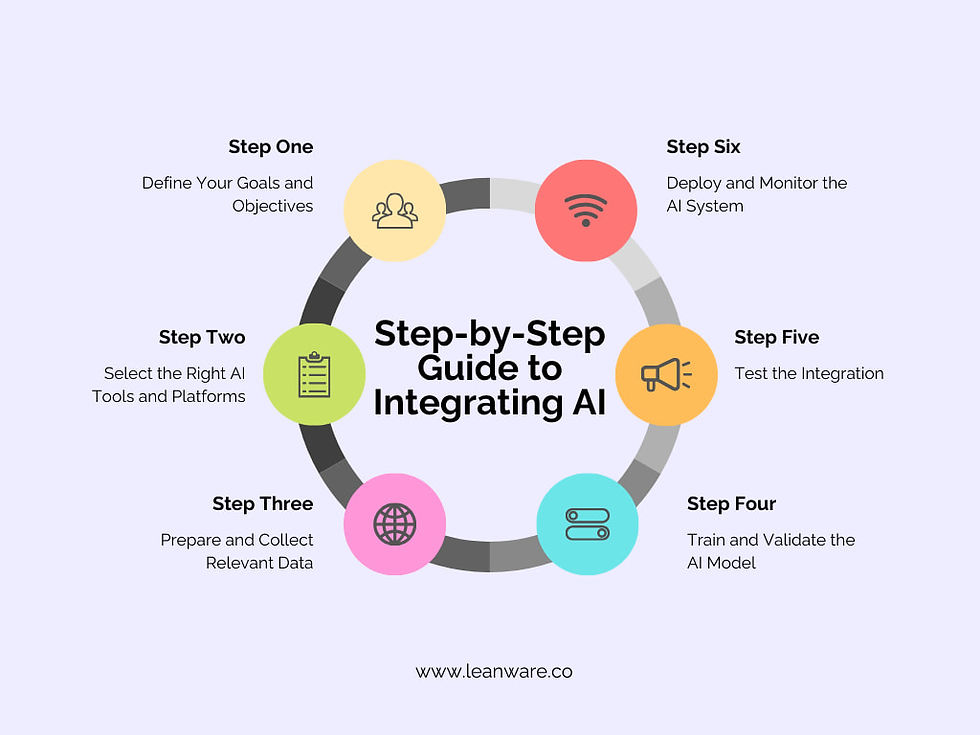
Unlock AI’s Power Without a Full Overhaul
For small to mid-sized businesses, integrating AI tools into existing, often legacy, marketing systems isn’t about a complete rip-and-replace. It’s about smart augmentation. This guide will show you how to identify high-impact integration points, prioritize practical solutions, and avoid common pitfalls, ensuring you leverage AI to improve efficiency and drive growth without breaking the bank or disrupting your core operations.
You’ll gain actionable insights on making strategic trade-offs, focusing on what delivers real value under typical budget and headcount constraints. We’ll cut through the hype to provide a practitioner’s perspective on what truly works today, in mid-2026, for teams needing to make every resource count.
Assess Your Current Marketing Stack and Pain Points
Before you even think about AI tools, you need a clear picture of your existing marketing technology landscape. Document your current CRM, email marketing platform, analytics tools, content management system, and any other critical software. More importantly, identify the specific operational bottlenecks and manual tasks that consume significant time or resources.
- CRM (e.g., Salesforce, HubSpot, custom solutions): Where are data entry, lead scoring, or customer service responses slow?
- Email Marketing (e.g., Mailchimp, Constant Contact): Can AI personalize content or segment audiences more effectively?
- Content Management (e.g., WordPress): Are content creation, optimization, or repurposing taking too long?
- Analytics (e.g., Google Analytics, custom dashboards): Is data analysis complex, or are insights hard to extract quickly?
Pinpointing these specific pain points is crucial. AI isn’t a general solution; it’s a targeted one. Focus on areas where AI can automate repetitive tasks, provide deeper insights, or enhance personalization at scale.
What’s often overlooked in this initial assessment is the hidden cost of integration and the human element. It’s easy to get excited about a new AI tool’s promised capabilities, but the real work begins with integrating it into existing workflows and training your team. This isn’t just a technical hurdle; it’s a significant time sink and a source of frustration. Teams with limited bandwidth often find themselves stretched thin, leading to partial adoption or outright abandonment, even if the tool itself is theoretically sound. The perceived ‘efficiency gain’ can quickly evaporate if the implementation overhead isn’t accurately factored in upfront.
Furthermore, a superficial identification of pain points can lead to second-order problems. For instance, if you identify ‘slow content creation’ as a pain point and rush to implement an AI content generator, you might find yourself with a new bottleneck: editing and fact-checking the AI output, or worse, a flood of generic content that dilutes your brand voice. The initial problem might have been a lack of clear content strategy or inefficient internal review processes, not the raw generation speed. Applying AI to the wrong problem doesn’t just fail to solve it; it can introduce new operational complexities and divert resources from addressing the root cause.
Given these realities, it’s critical to deprioritize any AI solution that requires a complete overhaul of your core systems or a steep learning curve for your entire team right now. Focus instead on incremental improvements that can be layered onto existing processes with minimal disruption. The goal isn’t to be ‘cutting edge’ for its own sake, but to solve real business problems with practical, sustainable steps. Avoid the temptation to chase every new AI feature; many are still immature or require a level of operational sophistication that most small to mid-sized businesses simply don’t possess yet.
Prioritize High-Impact, Low-Friction Integrations
Given limited resources, the smart move is to target integrations that offer the highest potential return with the least amount of disruption. This means looking for AI tools that either have native integrations with your existing platforms or offer robust APIs that are relatively straightforward to connect.
- Content Generation & Optimization: Integrating AI writing assistants (e.g., for blog outlines, social media posts, email subject lines) with your CMS or content planning tools. This often requires minimal direct system integration, relying more on copy-paste or simple API calls.
- Customer Service Automation: Implementing AI chatbots or virtual assistants for common queries, often integrating with your CRM or helpdesk system via pre-built connectors. Many modern CRM platforms like HubSpot now offer integrated AI capabilities that streamline this. AI tools for CRM
- Data Analysis & Reporting: Using AI-powered analytics tools to process existing data from Google Analytics or your CRM, providing predictive insights or automated report summaries. These often connect directly to data sources without needing to alter core legacy systems.
- Ad Copy & Creative Optimization: AI tools that generate variations of ad copy or suggest image improvements, integrating with ad platforms (e.g., Google Ads, Meta Ads) via their APIs.
The key here is to start with a clear problem and a readily available AI solution that can plug into your existing ecosystem without requiring a complete overhaul or extensive custom development.
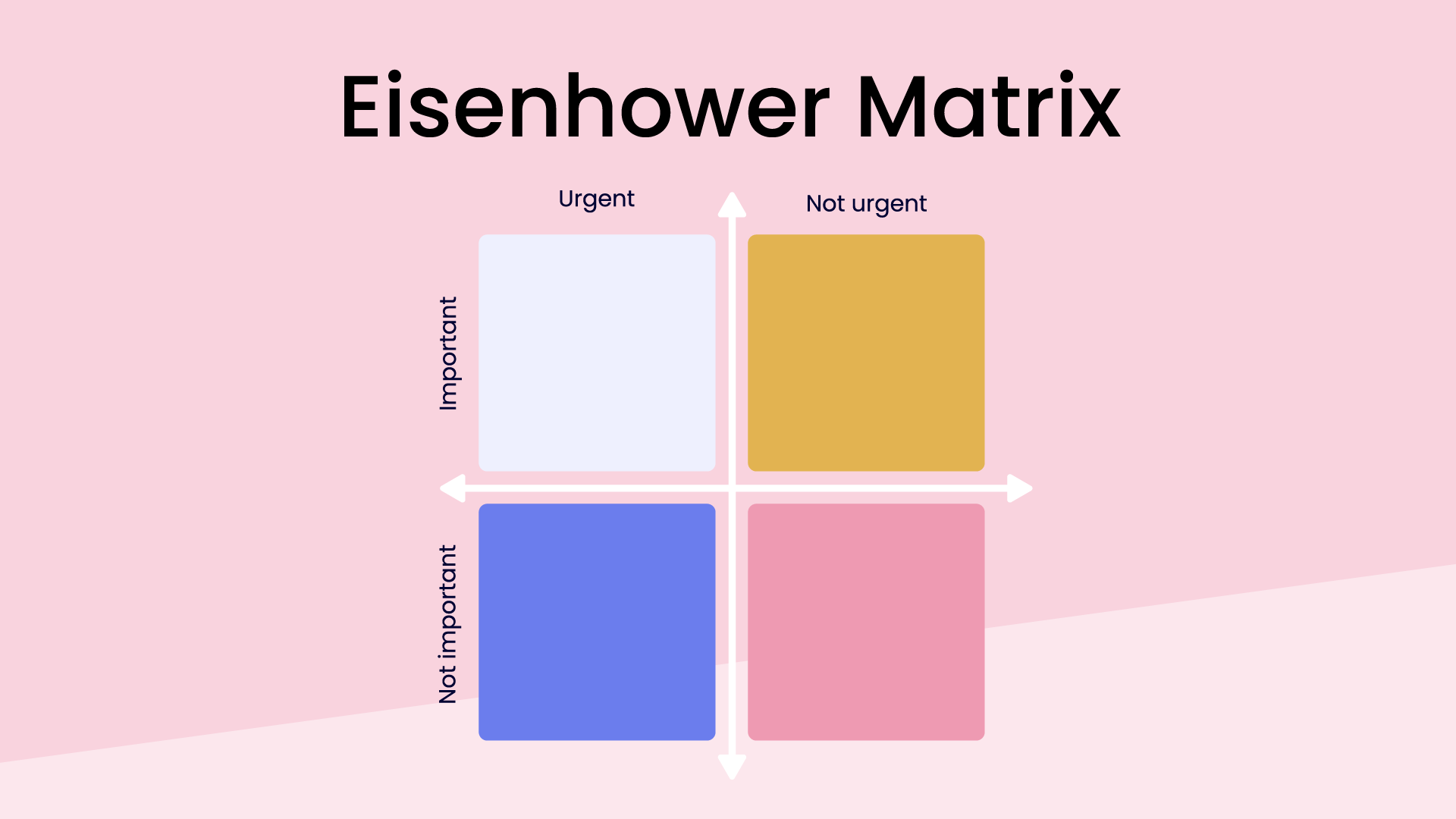
Even “low-friction” integrations aren’t immune to the fundamental principle of “garbage in, garbage out.” If the underlying data feeding an AI tool is inconsistent, incomplete, or poorly structured, the AI will amplify those flaws, not correct them. This means an AI-generated report based on messy CRM data might offer confidently incorrect insights, or an AI chatbot trained on outdated FAQs will frustrate customers more than help them. The ease of connection can mask the deeper, ongoing need for data hygiene.
Another subtle pitfall is the erosion of critical human oversight. When an AI tool seamlessly generates content variations or customer responses, it’s tempting for lean teams to reduce review cycles or trust the output implicitly. This can lead to a loss of brand voice, factual errors, or even compliance issues if the AI operates outside established guidelines, especially when dealing with nuanced customer interactions or sensitive marketing claims. The “low friction” can inadvertently lower the guard against potential errors.
Furthermore, “low friction” often refers to the initial technical setup, not the ongoing operational reality. APIs evolve, platforms update, and connectors can break, requiring unexpected maintenance and troubleshooting. What starts as a simple plug-in can become a recurring drain on limited technical or marketing resources. Beyond the technical, true integration demands changes in team workflows, training, and process adjustments that are rarely “low friction” in practice. Overlooking these “soft costs” and ongoing maintenance burdens can quickly turn a seemingly efficient integration into a source of frustration and unexpected budget strain.
What to Deprioritize (and Why)
Today, in mid-2026, the biggest mistake small to mid-sized teams make is attempting a “big bang” AI integration or trying to custom-build AI solutions for every perceived need. You should absolutely deprioritize:
- Large-scale, custom AI model development: Unless you have a dedicated data science team and a unique, highly specialized problem that off-the-shelf solutions cannot address, avoid building AI models from scratch. The cost, complexity, and maintenance burden are prohibitive for most SMBs.
- Replacing core legacy systems solely for AI compatibility: Don’t rip out a functional, albeit older, CRM or email platform just because a new AI tool integrates better with a different system. Focus on augmenting, not replacing. The migration costs, training overhead, and operational risks far outweigh the immediate AI benefits.
- Integrating AI into every single marketing touchpoint simultaneously: This leads to scope creep, integration fatigue, and diluted impact. Start small, prove value, then expand. A phased approach is always more effective under real-world constraints.
- Ignoring data quality: Attempting to feed dirty, inconsistent, or incomplete data into AI tools. AI amplifies patterns; if the data is bad, the AI’s output will be equally flawed, leading to wasted effort and poor decisions. Prioritize data hygiene before any AI integration.
Focus on leveraging existing, proven AI tools that offer clear, immediate value and integrate relatively easily. Your goal is practical improvement, not technological showmanship.
Tactical Integration Approaches for Legacy Systems
When direct native integrations aren’t available, you’ll need tactical approaches to bridge the gap:
- API Connectors: Many legacy systems, even older ones, expose APIs (Application Programming Interfaces). These allow different software applications to communicate. Modern AI tools often have robust API documentation, making it possible to build custom connectors or use integration platforms like Zapier or Make (formerly Integromat) to link them. This is often the most flexible approach.
- Low-Code/No-Code (LCNC) Platforms: Tools like Zapier, Make, or even some advanced features within CRM platforms (e.g., HubSpot Workflows) can act as intermediaries. They allow you to define triggers and actions between systems without writing extensive code. For instance, a new lead in your legacy CRM could trigger an AI tool to generate a personalized email draft, which then gets pushed to your email marketing platform.
- Data Export/Import Routines: While less elegant, scheduled data exports from your legacy system (e.g., CSV files) and subsequent imports into an AI tool or a data warehouse can be a viable interim solution. This is particularly useful for AI tools focused on analysis or bulk content generation. Automate these routines where possible to reduce manual effort.
Managing Data Flow and Quality
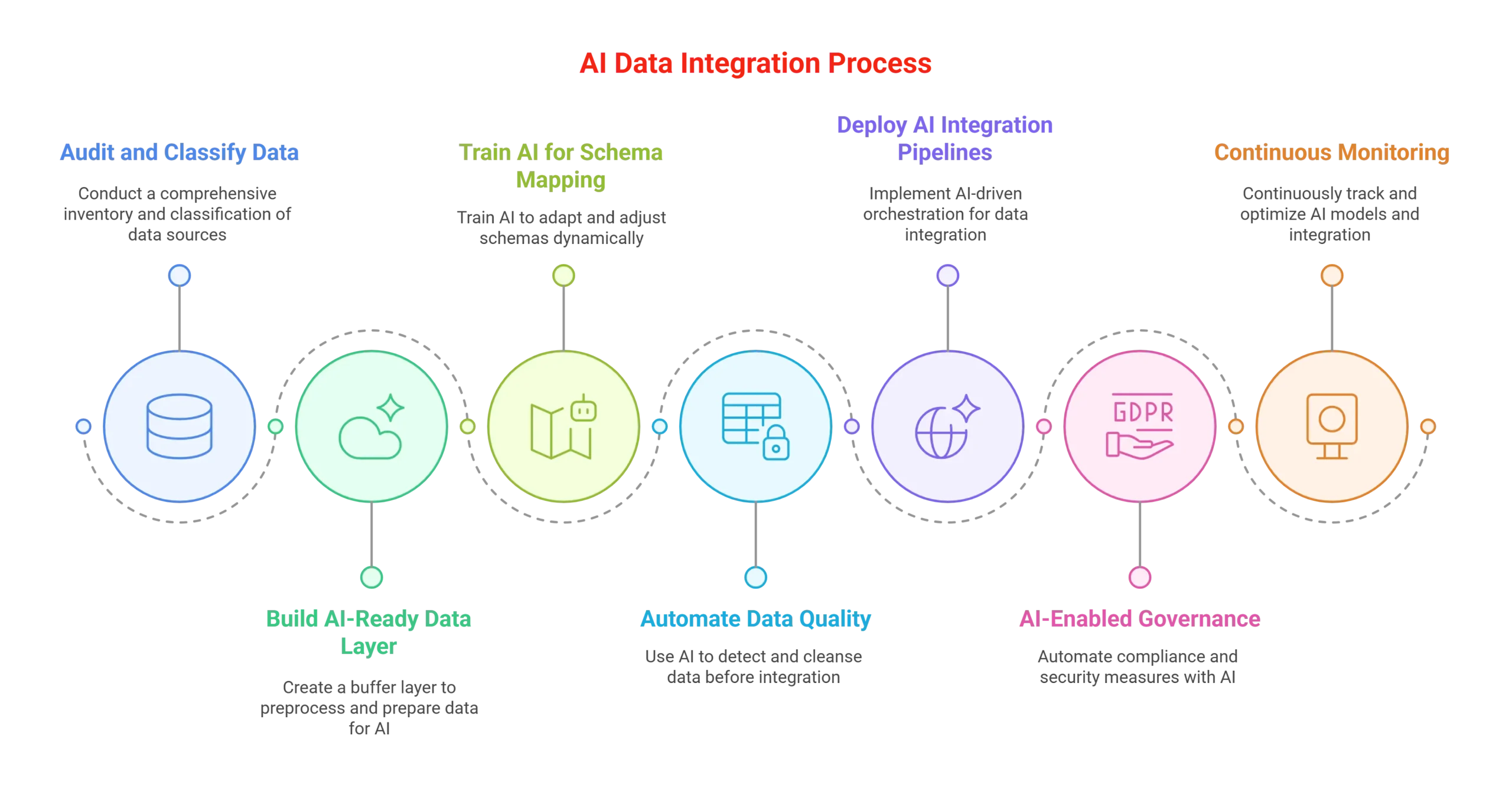
Effective AI integration hinges on data. Your legacy systems likely hold a wealth of customer data, but its quality and accessibility are critical. Before feeding data to any AI, ensure it’s clean, consistent, and relevant.
- Data Cleansing: Remove duplicates, correct inconsistencies, and standardize formats. This is often a manual or semi-automated process, but it’s non-negotiable.
- Data Mapping: Understand how data fields in your legacy system correspond to the input requirements of your AI tool. Create clear mapping rules to ensure data is interpreted correctly.
- Secure Data Transfer: Ensure any data transfer between your legacy system and AI tools complies with data privacy regulations (e.g., GDPR, CCPA) and your company’s security policies. Use secure connections and authorized access.
Poor data quality will lead to poor AI outputs, eroding trust and wasting resources. Invest time here upfront.
Starting Small and Scaling Smartly
The most successful AI integrations begin with small, manageable pilot projects. Don’t try to solve every problem at once.
- Identify a single, high-value use case: For example, automating initial customer support responses for FAQs, or generating first drafts of product descriptions.
- Select the right AI tool: Choose one that specifically addresses that use case and has a clear integration path.
- Implement and test: Run the pilot for a defined period, collecting data on its performance.
- Measure ROI: Quantify the time saved, efficiency gained, or revenue impact. Did it reduce support tickets by ten percent? Did content creation speed up by twenty percent?
- Iterate and expand: Based on the pilot’s success, refine the integration, expand its scope, or tackle the next priority use case.
This iterative approach allows you to learn, adapt, and demonstrate tangible value, building internal buy-in for further AI adoption.
Navigating the Evolving AI Landscape
The AI landscape is dynamic, with new tools and capabilities emerging constantly. As a practitioner, your focus should remain on practical application rather than chasing every new trend. Stay informed about advancements in your specific problem areas, but always filter new tools through the lens of your existing systems, budget, and immediate business needs. Prioritize stability and proven effectiveness over novelty. Regularly review your AI integrations to ensure they continue to deliver value and adapt as your business and technology evolve.


Leave a Comment